
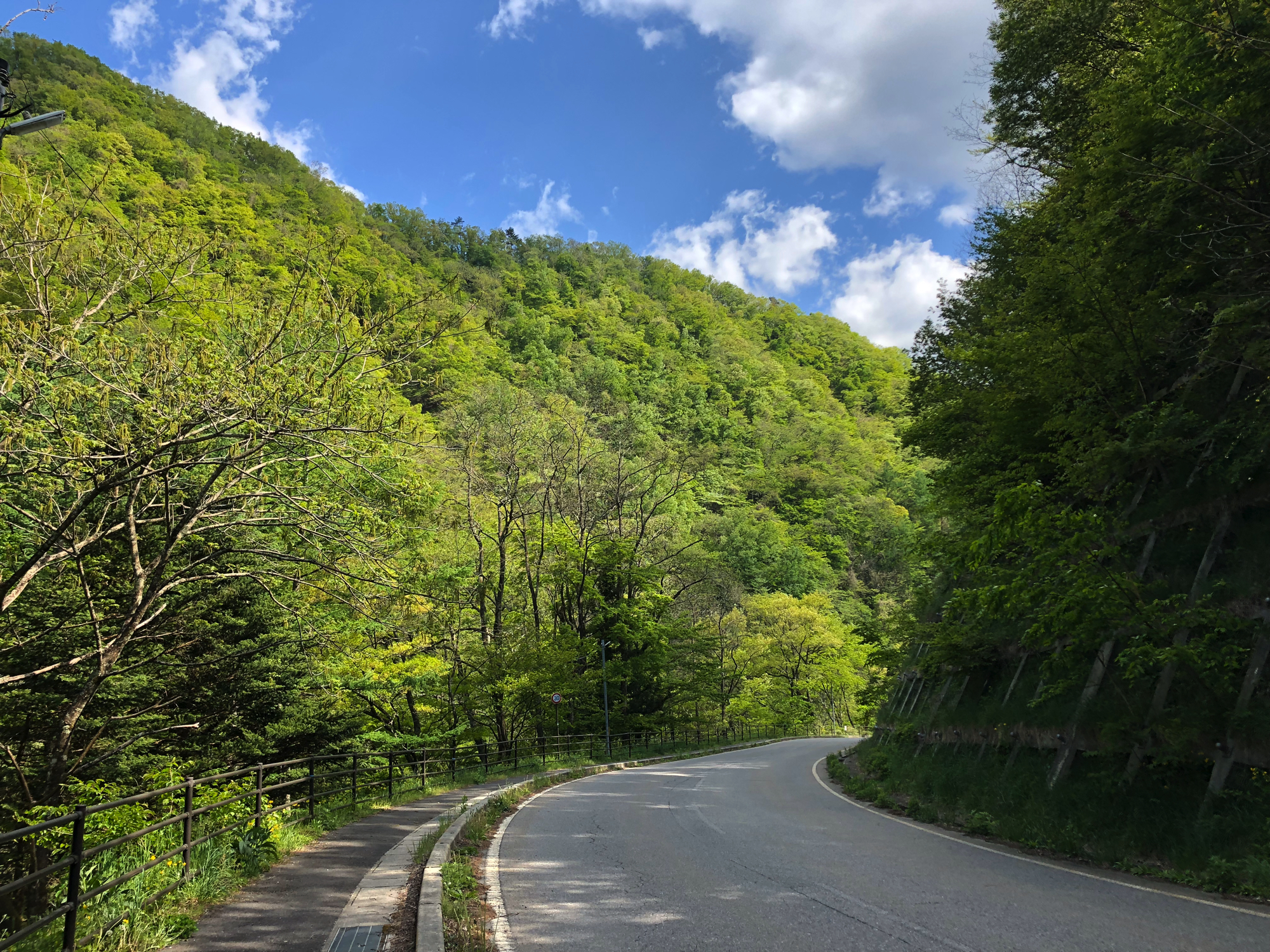
Your itinerary includes GPX files for navigation.
These maps show your exact location on the trail and work even without internet.
目次
Step 1: Download the GPX file
Download the GPX file from from here.
Step 2: Install a map app
We recommend:”Maps.me” (easy & offline)

Step 3: “Nagano Prefecture” Map on Map App
The Nakasendo (Kiso Valley) is located in “Nagano Prefecture”.
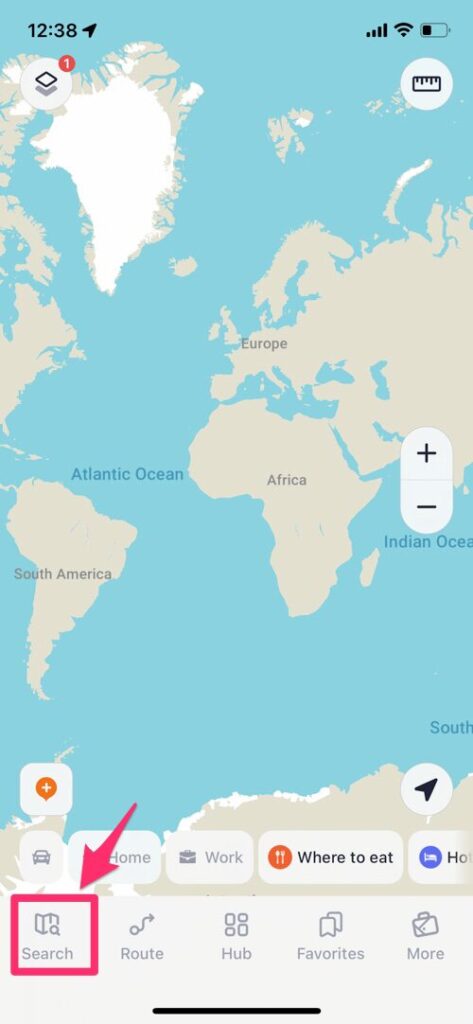
Tap “Search” buttan in the lower left corner and put in “Nagano”.
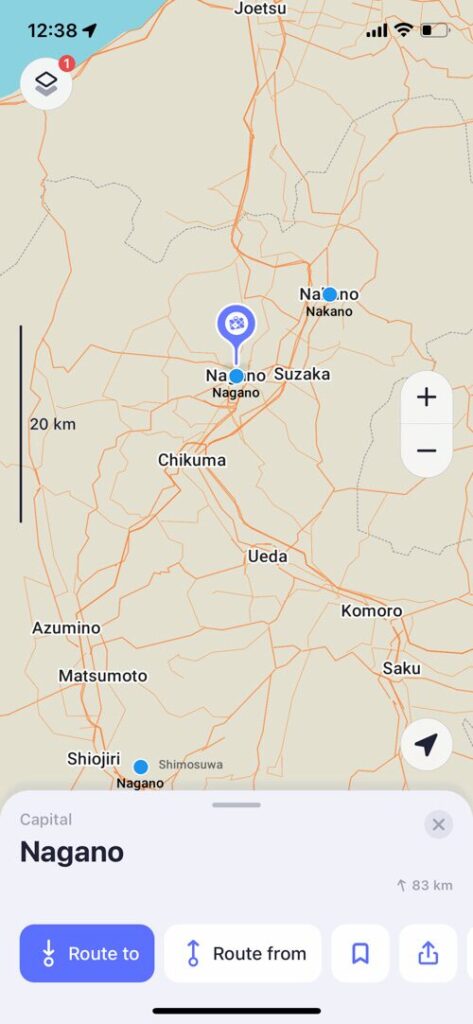
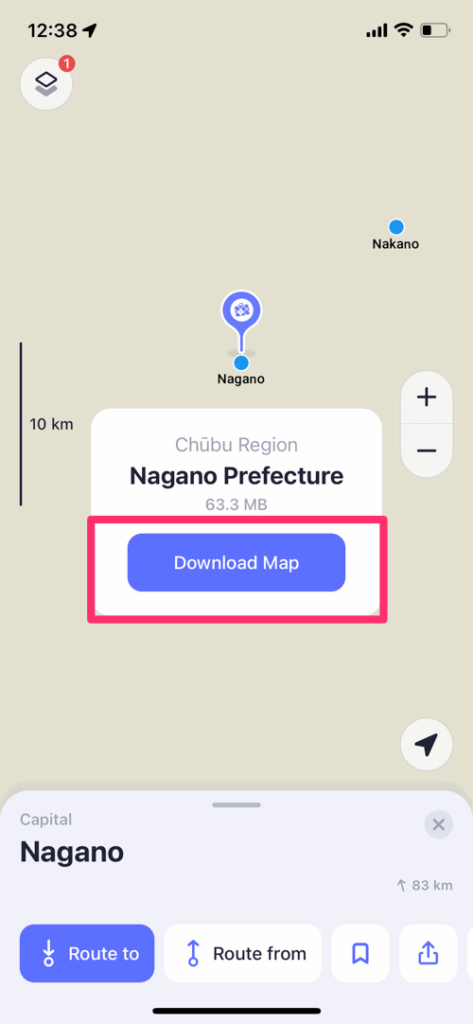
When the map of Nagano appears, pinch in.
You will then see a button to download the map.
📂 Step 4: Open the GPX files
iPhone
- Open the file
- Tap “Share”
- Open with Maps.me
Android
Open the file with your map app
Step 5: Follow the route
Your current location will appear on the map.
Simply follow the line.
Maps.me
Nakasendo Maps